Sign in with your login
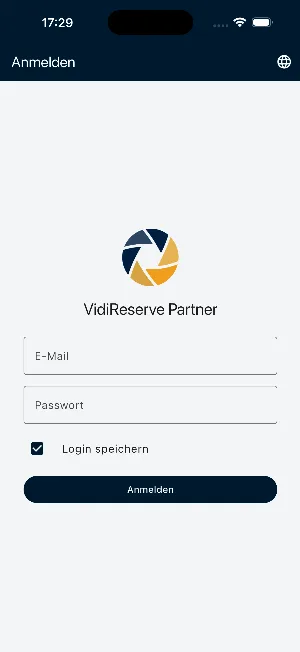
You sign in with your usual backoffice login. With “Save login” and, if you like, Face ID or fingerprint, you are back in quickly next time.
For iPhone and Android
Stay on top of your business, even on the go: new reservations, event bookings and guest messages arrive straight on your smartphone – for restaurants and event providers alike.
Free for 30 days · Free app · Sign in with Face ID or fingerprint
Features
You sign in with your usual backoffice login. With “Save login” and, if you like, Face ID or fingerprint, you are back in quickly next time.
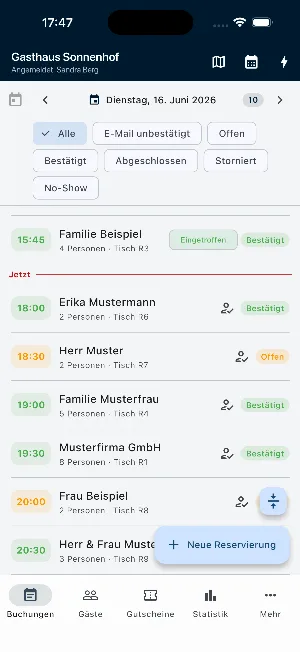
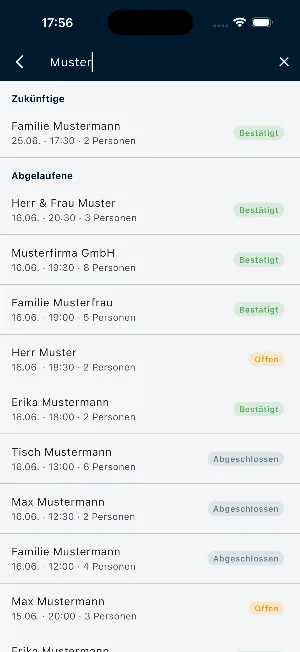
A day’s bookings with time, party size, table and status; event bookings stand out right in the list. You create new reservations in the app, and search finds upcoming and past ones.
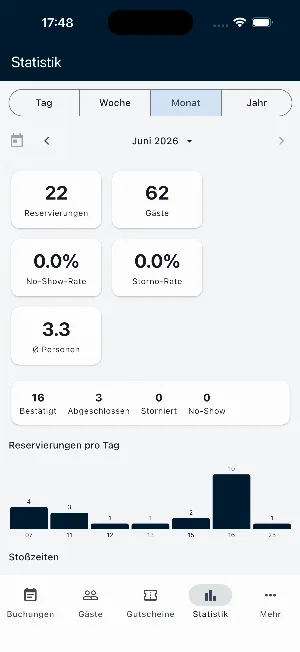
Reservations, guests, no-show and cancellation rate, reservations per day and peak times – by day, week, month or year.
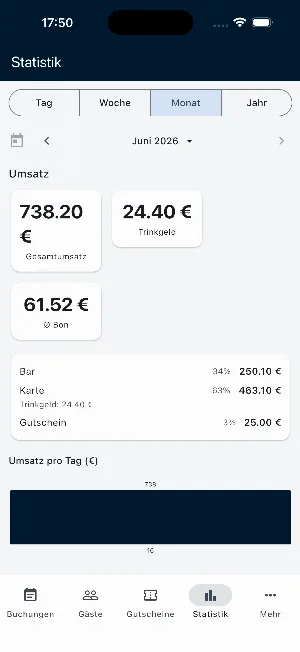
Total revenue, tips, average receipt and payment methods – also by day, week, month or year.
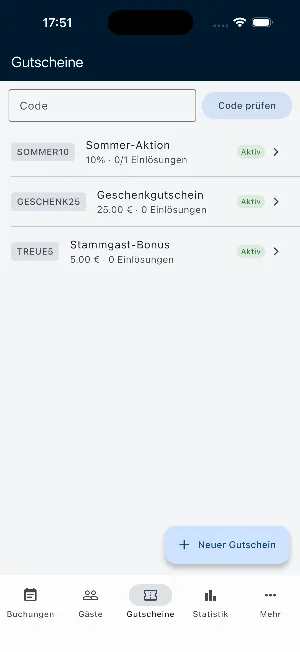
Check voucher codes, see redemptions and create new vouchers – right in the app.
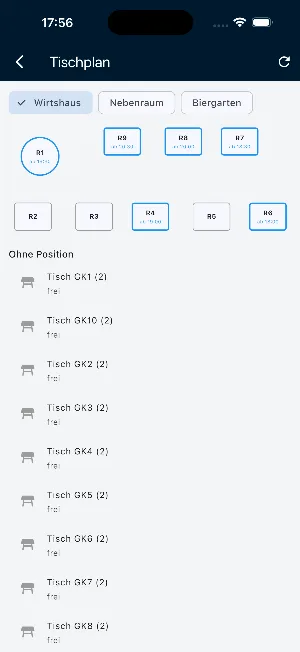
For each section you see which tables are reserved and which are free.
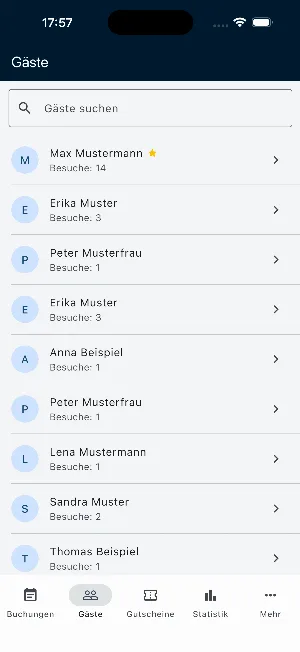
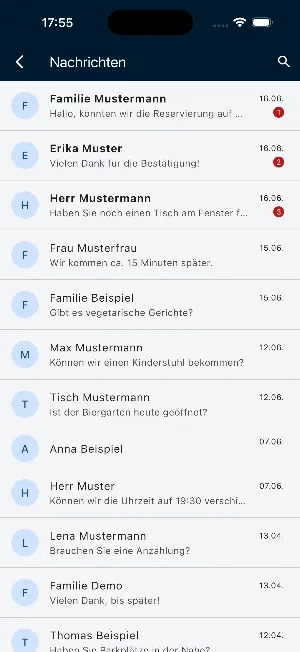
The guest list with search and number of visits, plus your guests’ messages – unread ones stand out right away.
New reservations, guest messages, event bookings, group requests, paid vouchers and payments – each type with its own switch.
A look inside
Get the app
The app is called VidiReserve. On your phone, tap your store; on a computer, scan the QR code with your phone’s camera.
Scan with your phone’s camera – the code takes you straight to the store.
Good to know
The app is available for iPhone on the App Store and for Android on Google Play. You sign in with your partner account – the same login as in the backoffice.FAQ
With your usual backoffice login. Turn on “Save login” so you don’t have to enter it at every start; if you like, you can also unlock sign-in with Face ID or fingerprint.
Yes. Under More → Notifications the app has one switch for each type of notification; all of them start out on. What you switch off applies to your account on every device you are signed in on – your colleagues are not affected. Also allow the app’s notifications in your phone’s settings.
Yes, even at the same time: each person signs in with their own login and only gets the notifications their permissions allow. In the backoffice under Settings → Devices you see all registered devices with user, platform, status, last activity and the result of the last push notification.
Sign in once. Stay up to date anywhere.
Start in the backoffice, then sign in to the app with the same login.
Start free and use the appFree for 30 days · Free app · Sign in with Face ID or fingerprint

